Part II, section 04

Staff awareness

What every employee does with PD and how to protect their own data

  • 10 slides
  • 3 subsections
  • Edition of 25 October 2026

04.1

Rules for employees

TRN-001

Four rules for protecting PD at work

What every employee does every day
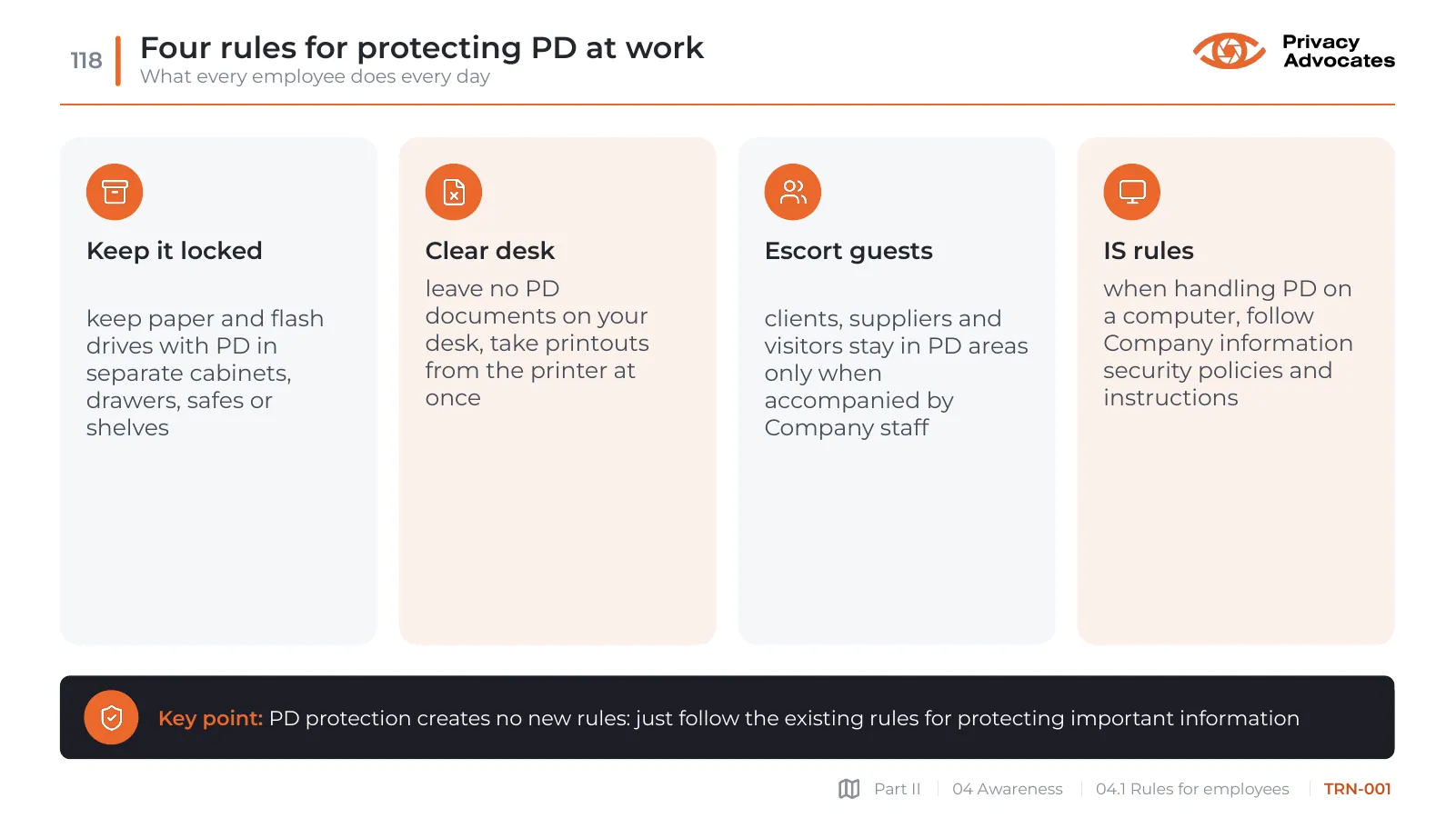
Slide TRN-001: Four rules for protecting PD at work
Slide text

Keep it locked

keep paper and flash drives with PD in separate cabinets, drawers, safes or shelves

Clear desk

leave no PD documents on your desk, take printouts from the printer at once

Escort guests

clients, suppliers and visitors stay in PD areas only when accompanied by Company staff

IS rules

when handling PD on a computer, follow Company information security policies and instructions

Key point: PD protection creates no new rules: just follow the existing rules for protecting important information
TRN-002

See a PD incident? Report it at once

What is an incident and whom to tell: Roskomnadzor expects notice within 24 hours

Slide TRN-002: See a PD incident? Report it at once
Slide text

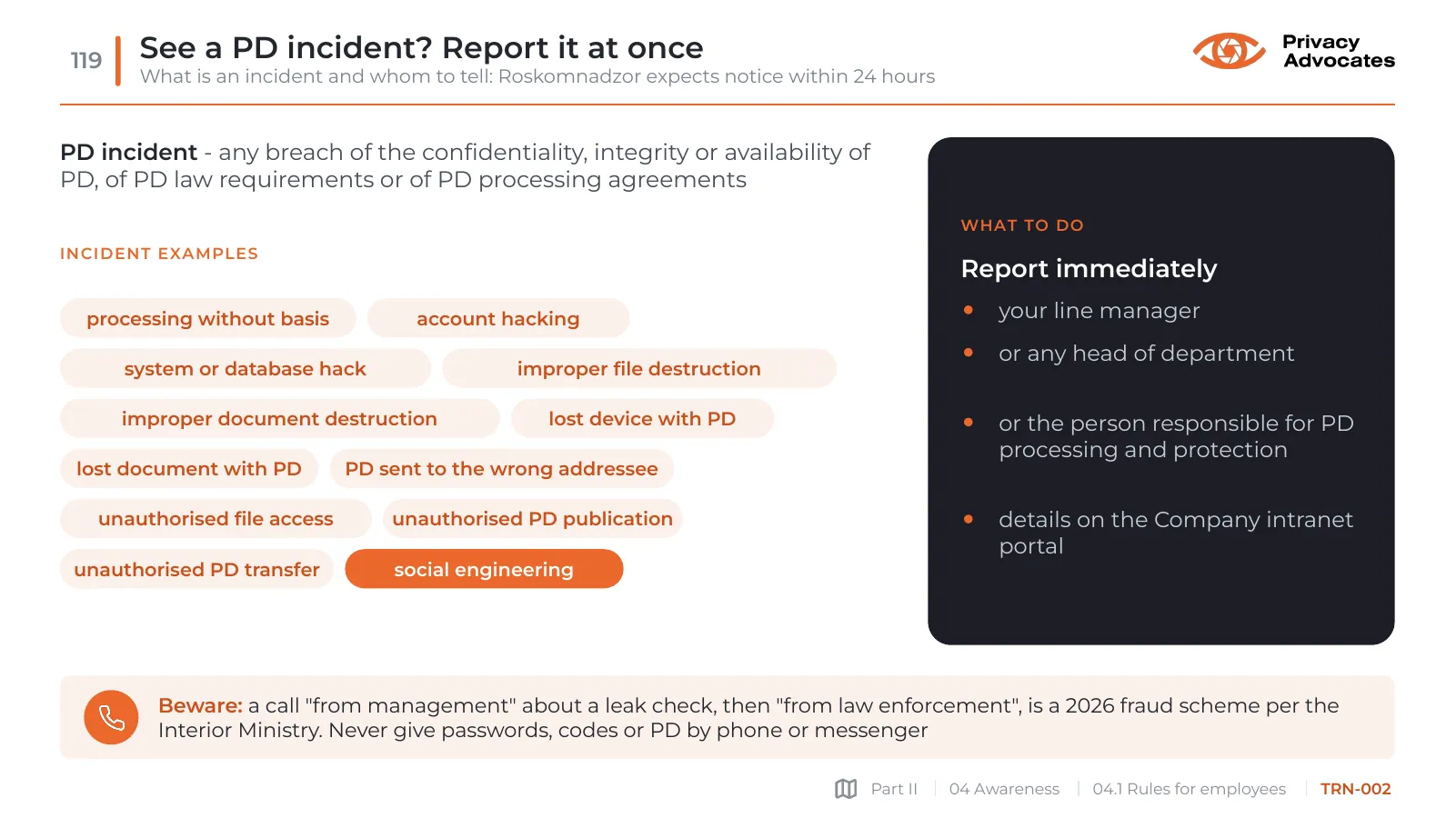
PD incident - any breach of the confidentiality, integrity or availability of PD, of PD law requirements or of PD processing agreements

Incident examples

  • processing without basis
  • account hacking
  • system or database hack
  • improper file destruction
  • improper document destruction
  • lost device with PD
  • lost document with PD
  • PD sent to the wrong addressee
  • unauthorised file access
  • unauthorised PD publication
  • unauthorised PD transfer
  • social engineering

What to do

Report immediately

your line manager

or any head of department

or the person responsible for PD processing and protection

details on the Company intranet portal

Beware: a call "from management" about a leak check, then "from law enforcement", is a 2026 fraud scheme per the Interior Ministry. Never give passwords, codes or PD by phone or messenger

TRN-003

Putting PD into a public AI chat is still a transfer

Court decision and Ministry of Education letter 2026, Constitutional Court ruling 2017: what not to take into AI

Slide TRN-003: Putting PD into a public AI chat is still a transfer
Slide text

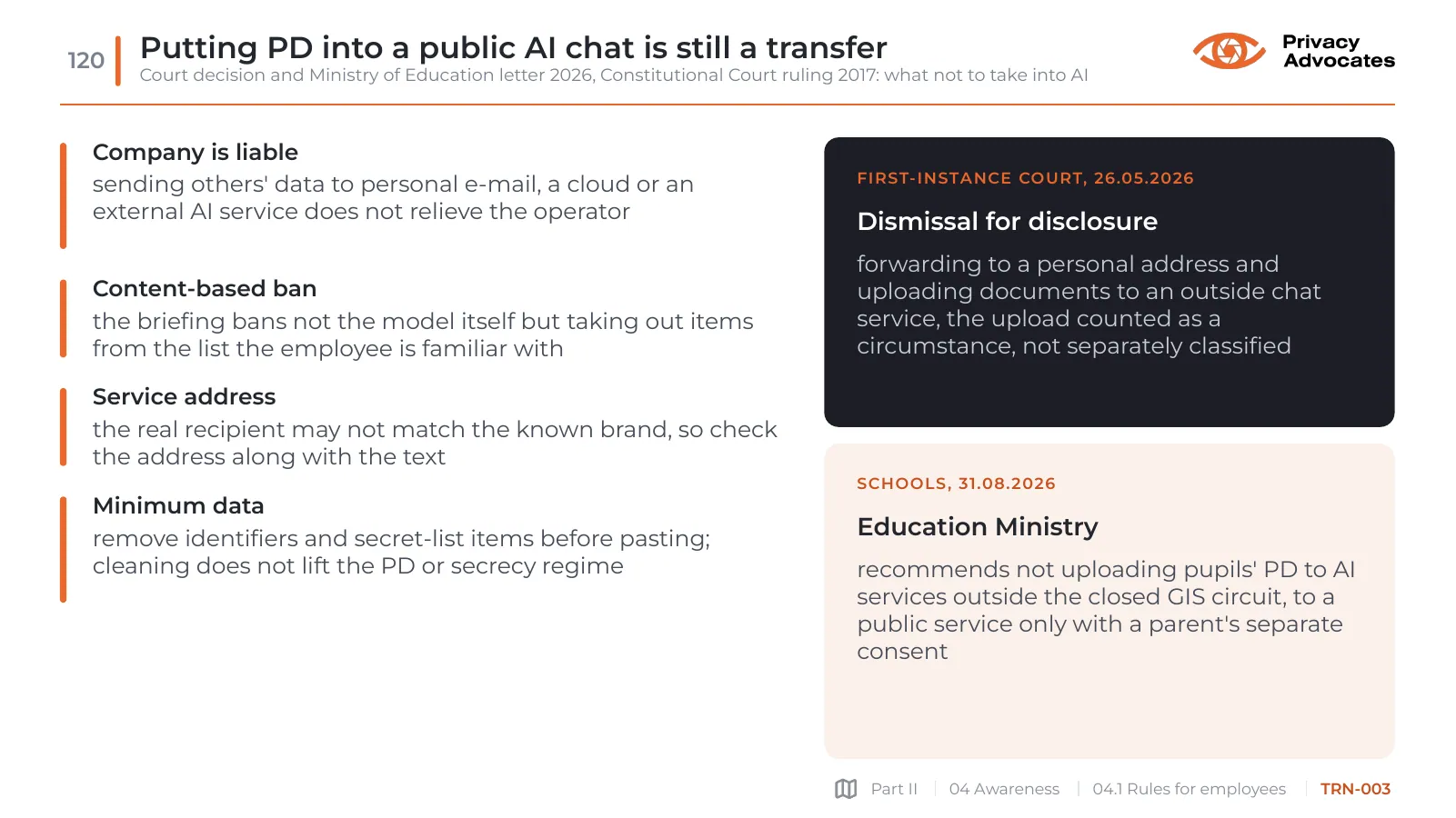
Company is liable

sending others' data to personal e-mail, a cloud or an external AI service does not relieve the operator

Content-based ban

the briefing bans not the model itself but taking out items from the list the employee is familiar with

Service address

the real recipient may not match the known brand, so check the address along with the text

Minimum data

remove identifiers and secret-list items before pasting; cleaning does not lift the PD or secrecy regime

First-instance court, 26.05.2026

Dismissal for disclosure

forwarding to a personal address and uploading documents to an outside chat service, the upload counted as a circumstance, not separately classified

Schools, 31.08.2026

Education Ministry

recommends not uploading pupils' PD to AI services outside the closed GIS circuit, to a public service only with a parent's separate consent

TRN-004

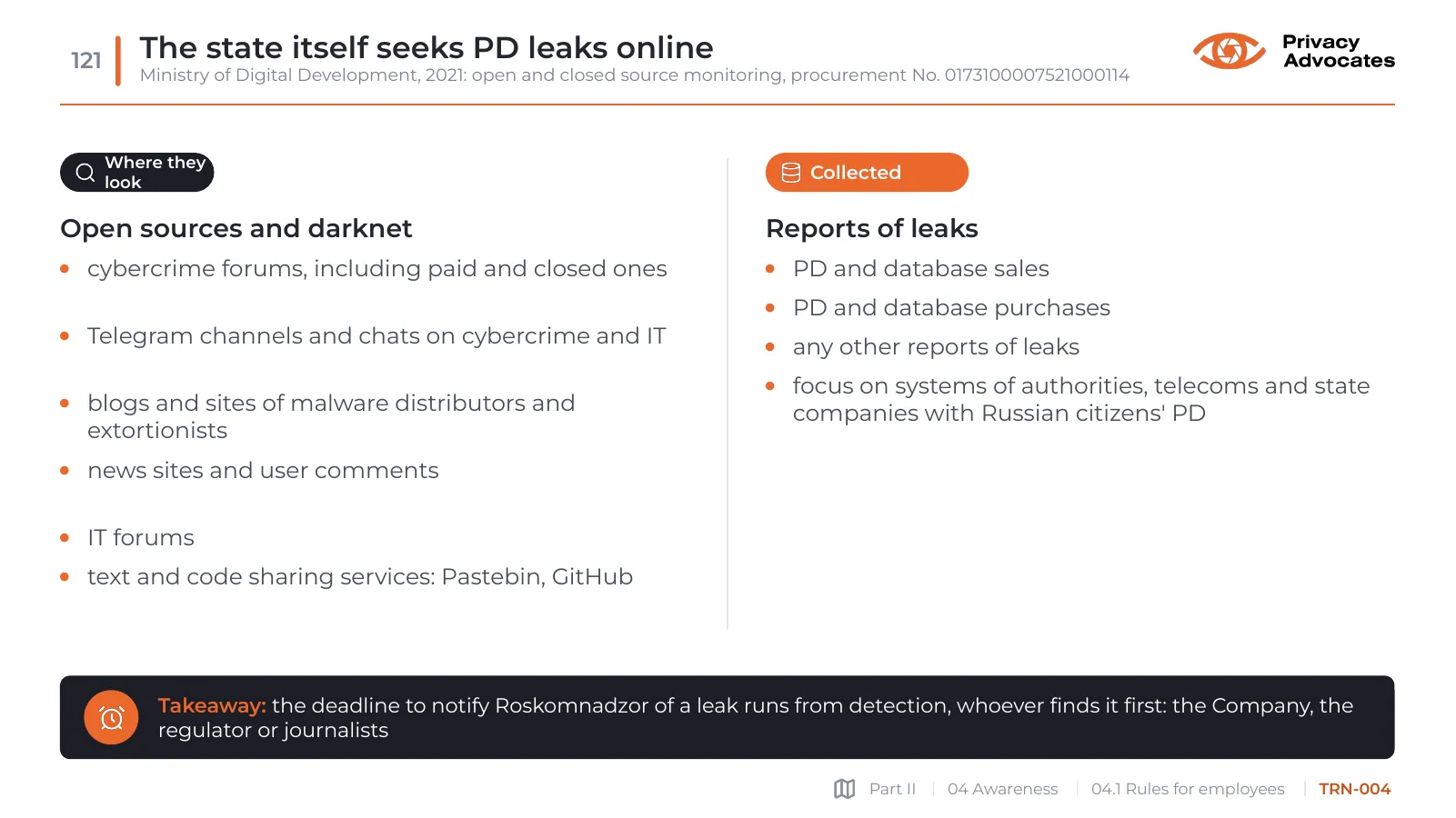
The state itself seeks PD leaks online

Ministry of Digital Development, 2021: open and closed source monitoring, procurement No. 0173100007521000114

Slide TRN-004: The state itself seeks PD leaks online
Slide text

Where they look

Open sources and darknet

cybercrime forums, including paid and closed ones

Telegram channels and chats on cybercrime and IT

blogs and sites of malware distributors and extortionists

news sites and user comments

IT forums

text and code sharing services: Pastebin, GitHub

Collected

Reports of leaks

PD and database sales

PD and database purchases

any other reports of leaks

focus on systems of authorities, telecoms and state companies with Russian citizens' PD

Takeaway: the deadline to notify Roskomnadzor of a leak runs from detection, whoever finds it first: the Company, the regulator or journalists

TRN-005

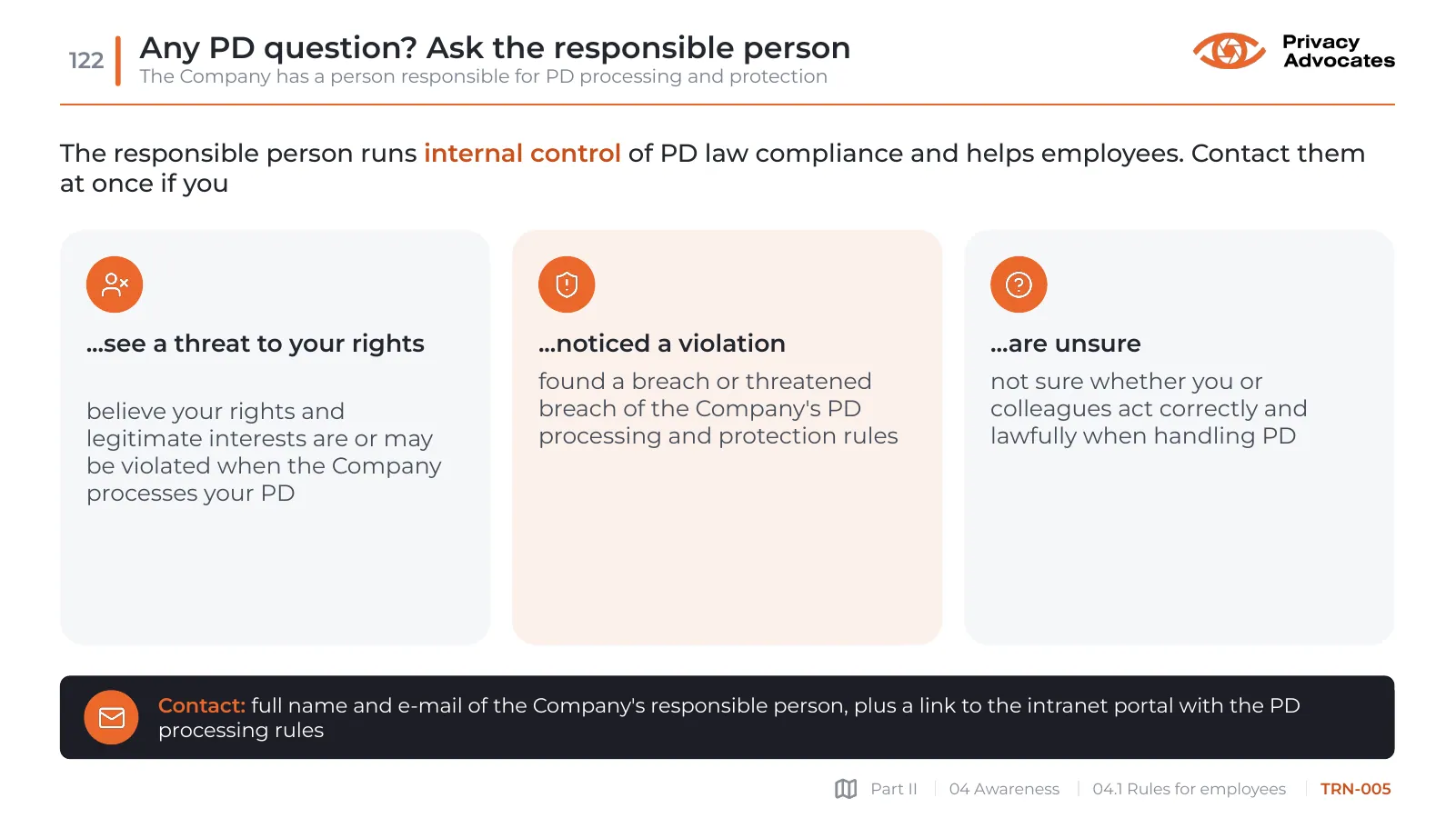
Any PD question? Ask the responsible person

The Company has a person responsible for PD processing and protection

Slide TRN-005: Any PD question? Ask the responsible person
Slide text

The responsible person runs internal control of PD law compliance and helps employees. Contact them at once if you

...see a threat to your rights

believe your rights and legitimate interests are or may be violated when the Company processes your PD

...noticed a violation

found a breach or threatened breach of the Company's PD processing and protection rules

...are unsure

not sure whether you or colleagues act correctly and lawfully when handling PD

Contact: full name and e-mail of the Company's responsible person, plus a link to the intranet portal with the PD processing rules

04.2

Myths and useful tips

TRN-006

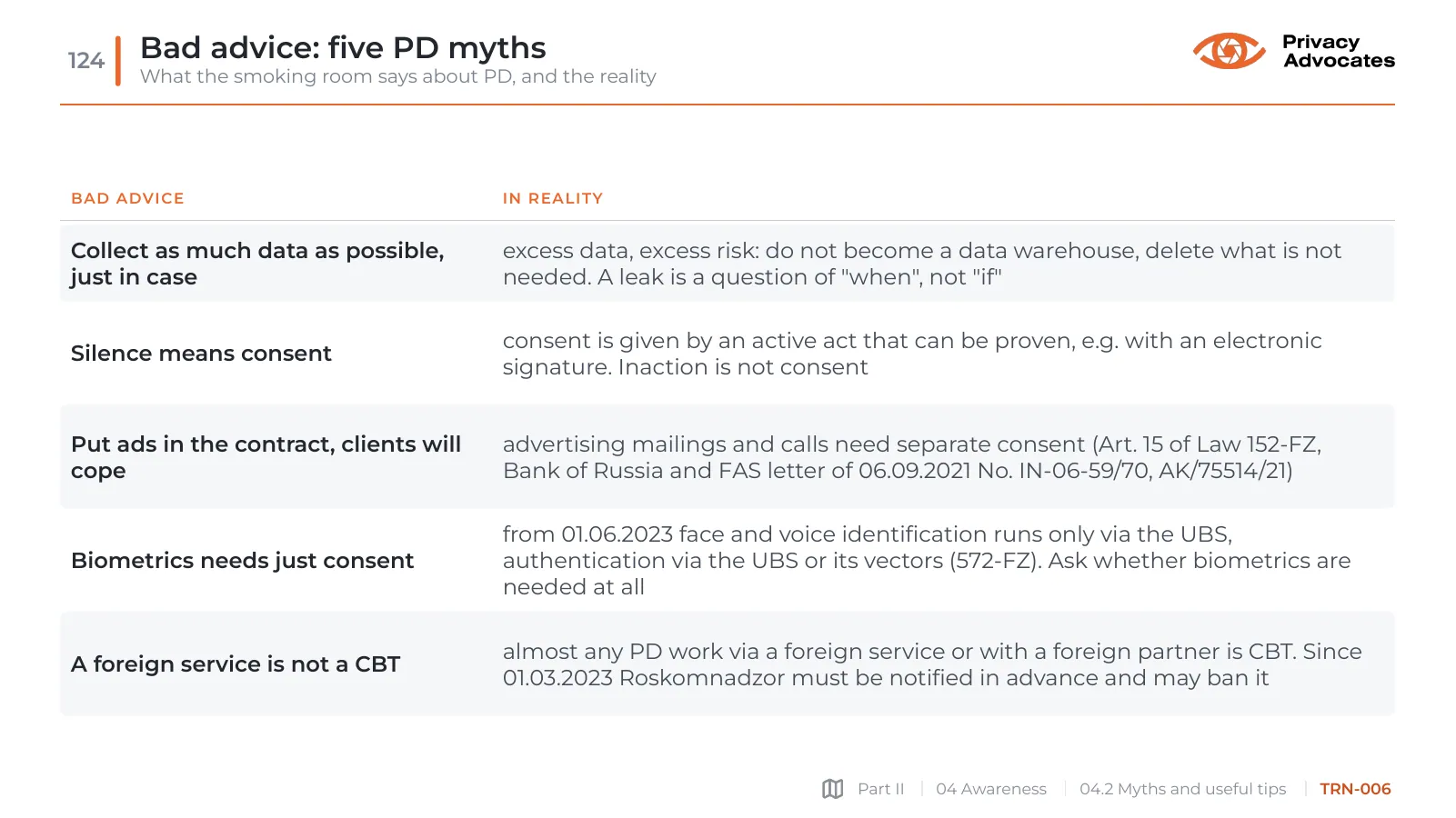
Bad advice: five PD myths

What the smoking room says about PD, and the reality

Slide TRN-006: Bad advice: five PD myths
Slide text
  • Bad advice
  • In reality
  • Collect as much data as possible, just in case
  • excess data, excess risk: do not become a data warehouse, delete what is not needed. A leak is a question of "when", not "if"
  • Silence means consent
  • consent is given by an active act that can be proven, e.g. with an electronic signature. Inaction is not consent
  • Put ads in the contract, clients will cope
  • advertising mailings and calls need separate consent (Art. 15 of Law 152-FZ, Bank of Russia and FAS letter of 06.09.2021 No. IN-06-59/70, AK/75514/21)
  • Biometrics needs just consent
  • from 01.06.2023 face and voice identification runs only via the UBS, authentication via the UBS or its vectors (572-FZ). Ask whether biometrics are needed at all
  • A foreign service is not a CBT
  • almost any PD work via a foreign service or with a foreign partner is CBT. Since 01.03.2023 Roskomnadzor must be notified in advance and may ban it
TRN-007

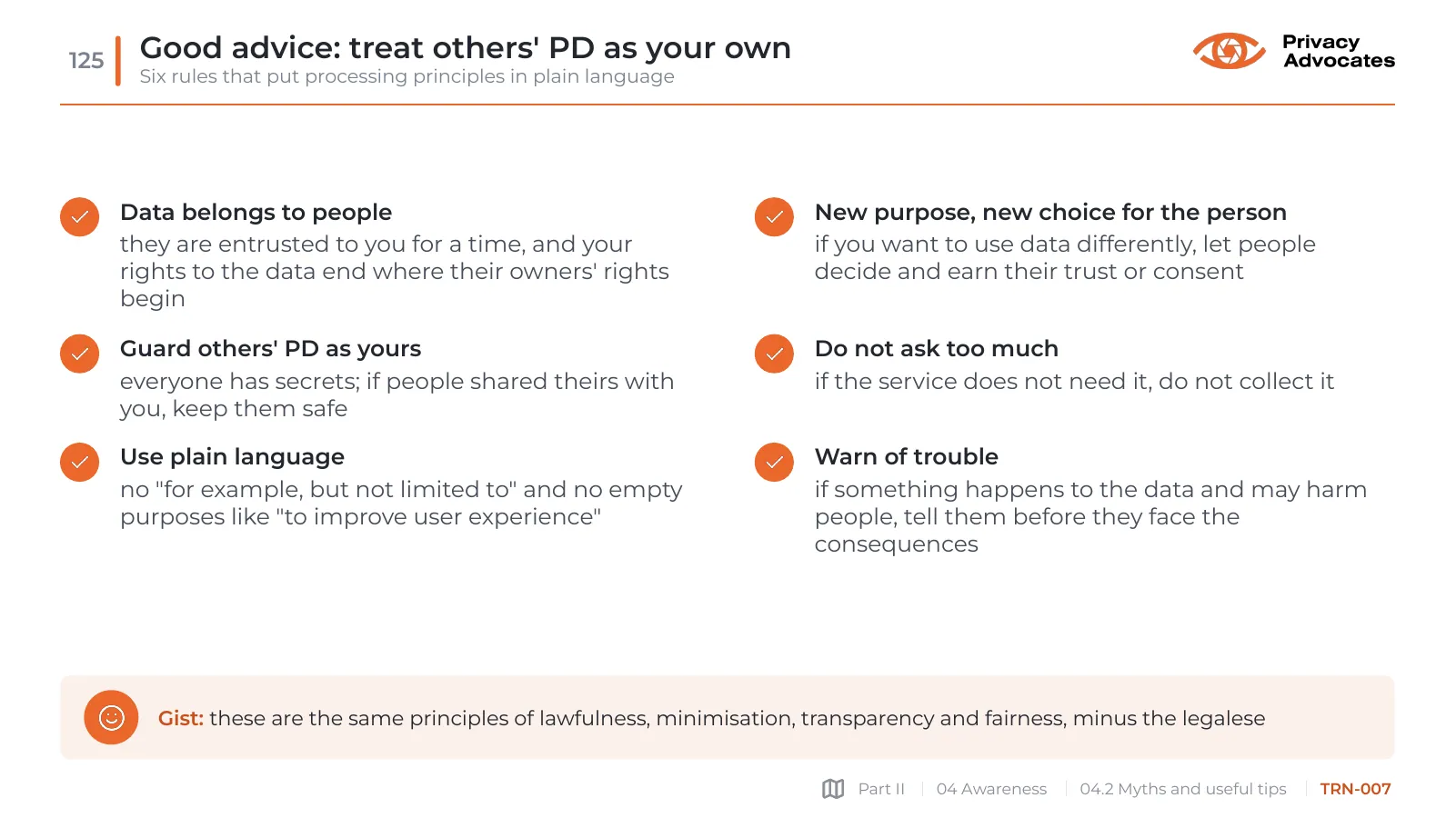
Good advice: treat others' PD as your own

Six rules that put processing principles in plain language

Slide TRN-007: Good advice: treat others' PD as your own
Slide text

Data belongs to people

they are entrusted to you for a time, and your rights to the data end where their owners' rights begin

Guard others' PD as yours

everyone has secrets; if people shared theirs with you, keep them safe

Use plain language

no "for example, but not limited to" and no empty purposes like "to improve user experience"

New purpose, new choice for the person

if you want to use data differently, let people decide and earn their trust or consent

Do not ask too much

if the service does not need it, do not collect it

Warn of trouble

if something happens to the data and may harm people, tell them before they face the consequences

Gist: these are the same principles of lawfulness, minimisation, transparency and fairness, minus the legalese

04.3

The employee as a data subject

TRN-008

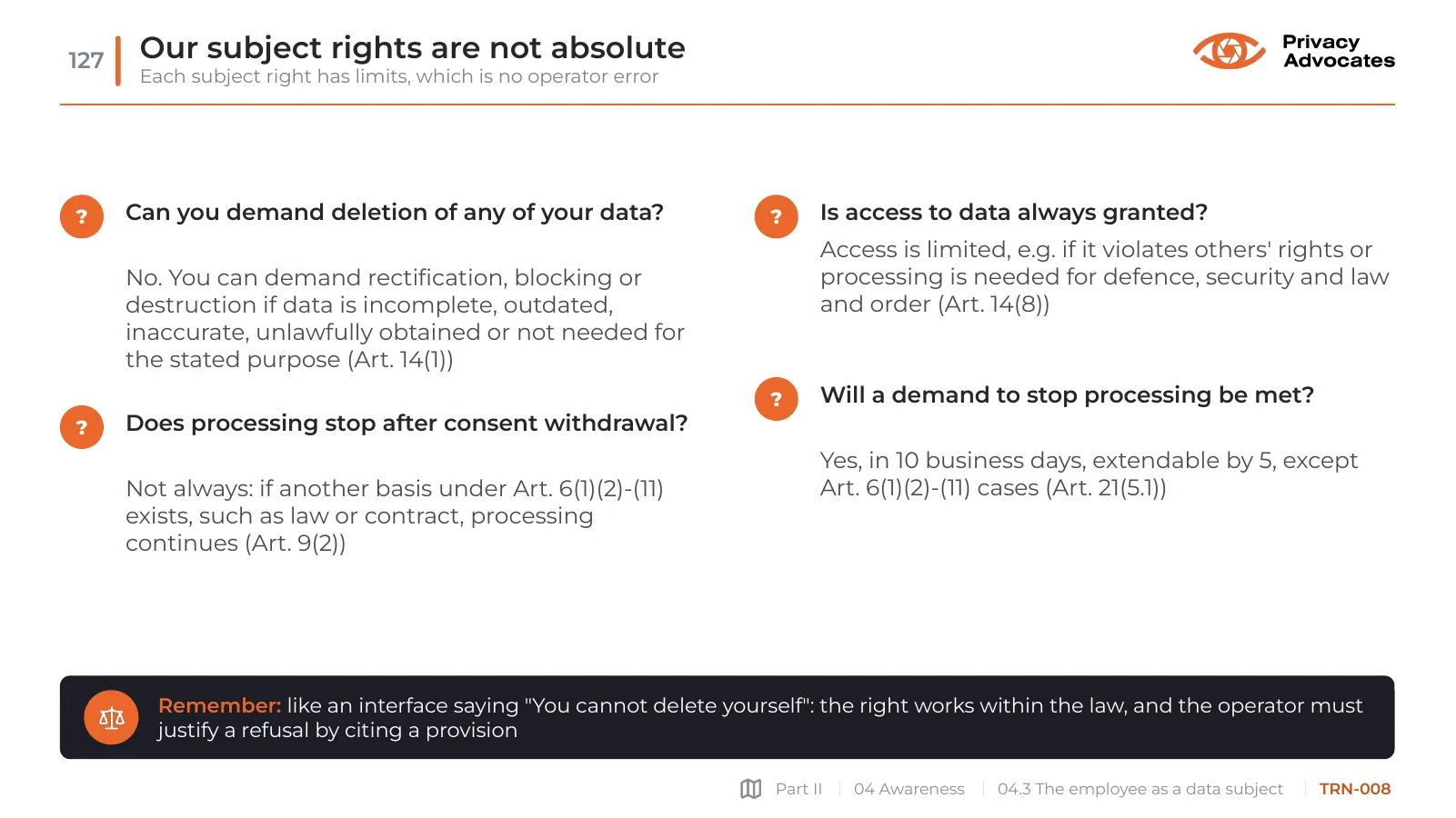
Our subject rights are not absolute

Each subject right has limits, which is no operator error

Slide TRN-008: Our subject rights are not absolute
Slide text
  • ?
  • Can you demand deletion of any of your data?

No. You can demand rectification, blocking or destruction if data is incomplete, outdated, inaccurate, unlawfully obtained or not needed for the stated purpose (Art. 14(1))

  • ?
  • Does processing stop after consent withdrawal?

Not always: if another basis under Art. 6(1)(2)-(11) exists, such as law or contract, processing continues (Art. 9(2))

  • ?
  • Is access to data always granted?

Access is limited, e.g. if it violates others' rights or processing is needed for defence, security and law and order (Art. 14(8))

  • ?
  • Will a demand to stop processing be met?

Yes, in 10 business days, extendable by 5, except Art. 6(1)(2)-(11) cases (Art. 21(5.1))

Remember: like an interface saying "You cannot delete yourself": the right works within the law, and the operator must justify a refusal by citing a provision

TRN-009

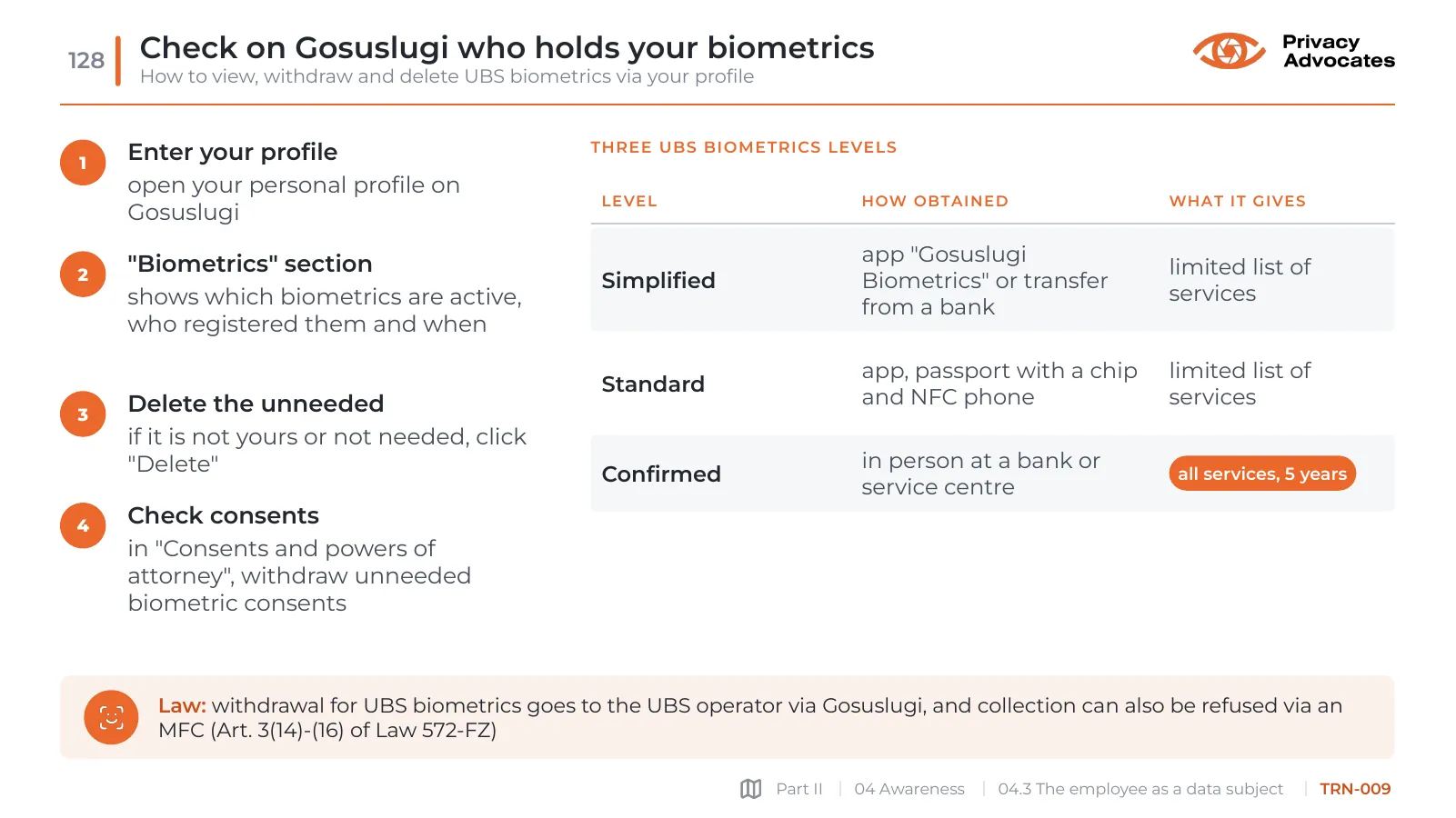
Check on Gosuslugi who holds your biometrics

How to view, withdraw and delete UBS biometrics via your profile

Slide TRN-009: Check on Gosuslugi who holds your biometrics
Slide text
  • 1
  • Enter your profile

open your personal profile on Gosuslugi

  • 2
  • "Biometrics" section

shows which biometrics are active, who registered them and when

  • 3
  • Delete the unneeded

if it is not yours or not needed, click "Delete"

  • 4
  • Check consents

in "Consents and powers of attorney", withdraw unneeded biometric consents

Three UBS biometrics levels

  • Level
  • How obtained
  • What it gives
  • Simplified
  • app "Gosuslugi Biometrics" or transfer from a bank
  • limited list of services
  • Standard
  • app, passport with a chip and NFC phone
  • limited list of services
  • Confirmed
  • in person at a bank or service centre
  • all services, 5 years

Law: withdrawal for UBS biometrics goes to the UBS operator via Gosuslugi, and collection can also be refused via an MFC (Art. 3(14)-(16) of Law 572-FZ)

TRN-010

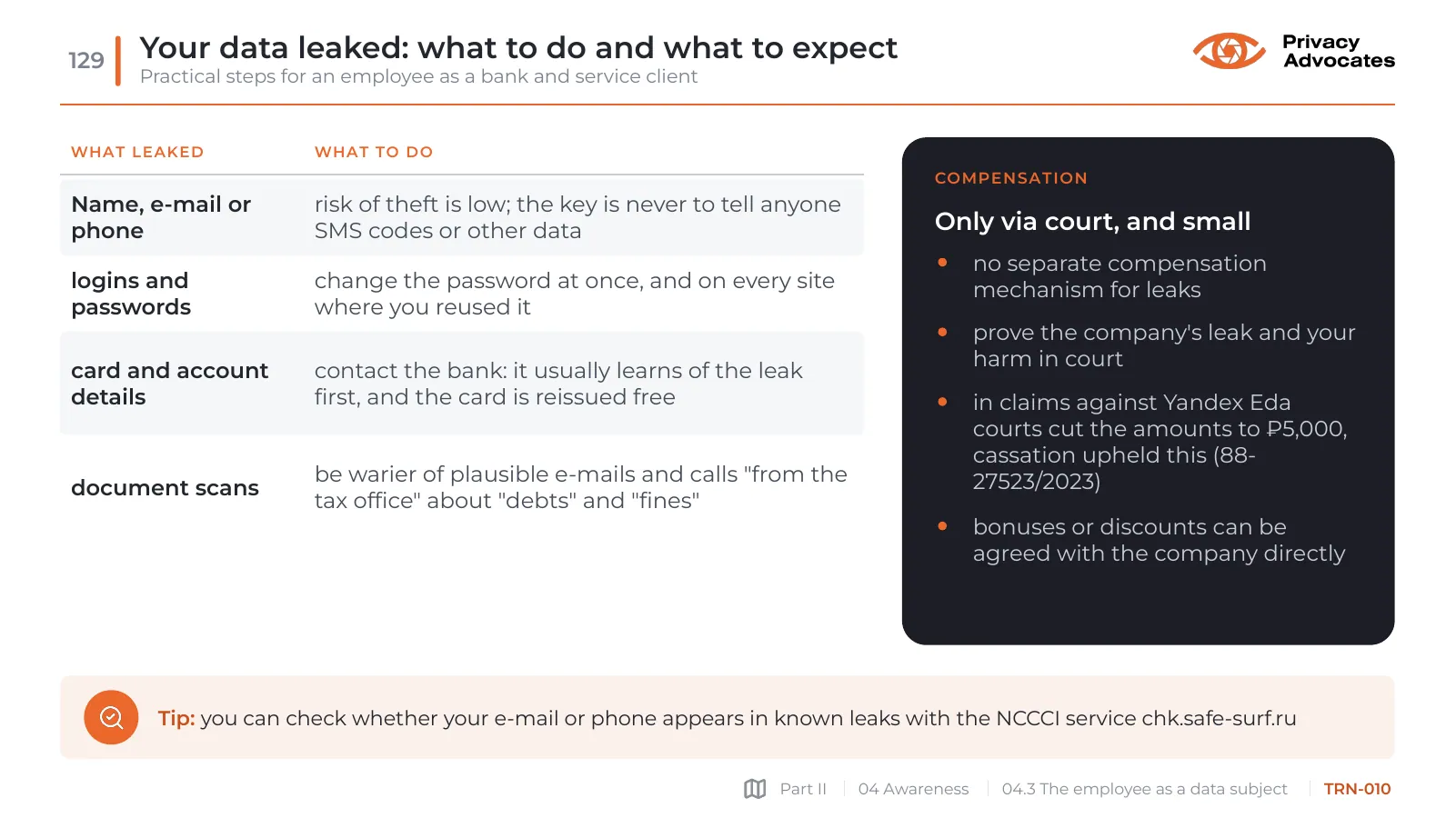
Your data leaked: what to do and what to expect

Practical steps for an employee as a bank and service client

Slide TRN-010: Your data leaked: what to do and what to expect
Slide text
  • What leaked
  • What to do
  • Name, e-mail or phone
  • risk of theft is low; the key is never to tell anyone SMS codes or other data
  • logins and passwords
  • change the password at once, and on every site where you reused it
  • card and account details
  • contact the bank: it usually learns of the leak first, and the card is reissued free
  • document scans
  • be warier of plausible e-mails and calls "from the tax office" about "debts" and "fines"

Compensation

Only via court, and small

no separate compensation mechanism for leaks

prove the company's leak and your harm in court

in claims against Yandex Eda courts cut the amounts to ₽5,000, cassation upheld this (88-27523/2023)

bonuses or discounts can be agreed with the company directly

Tip: you can check whether your e-mail or phone appears in known leaks with the NCCCI service chk.safe-surf.ru